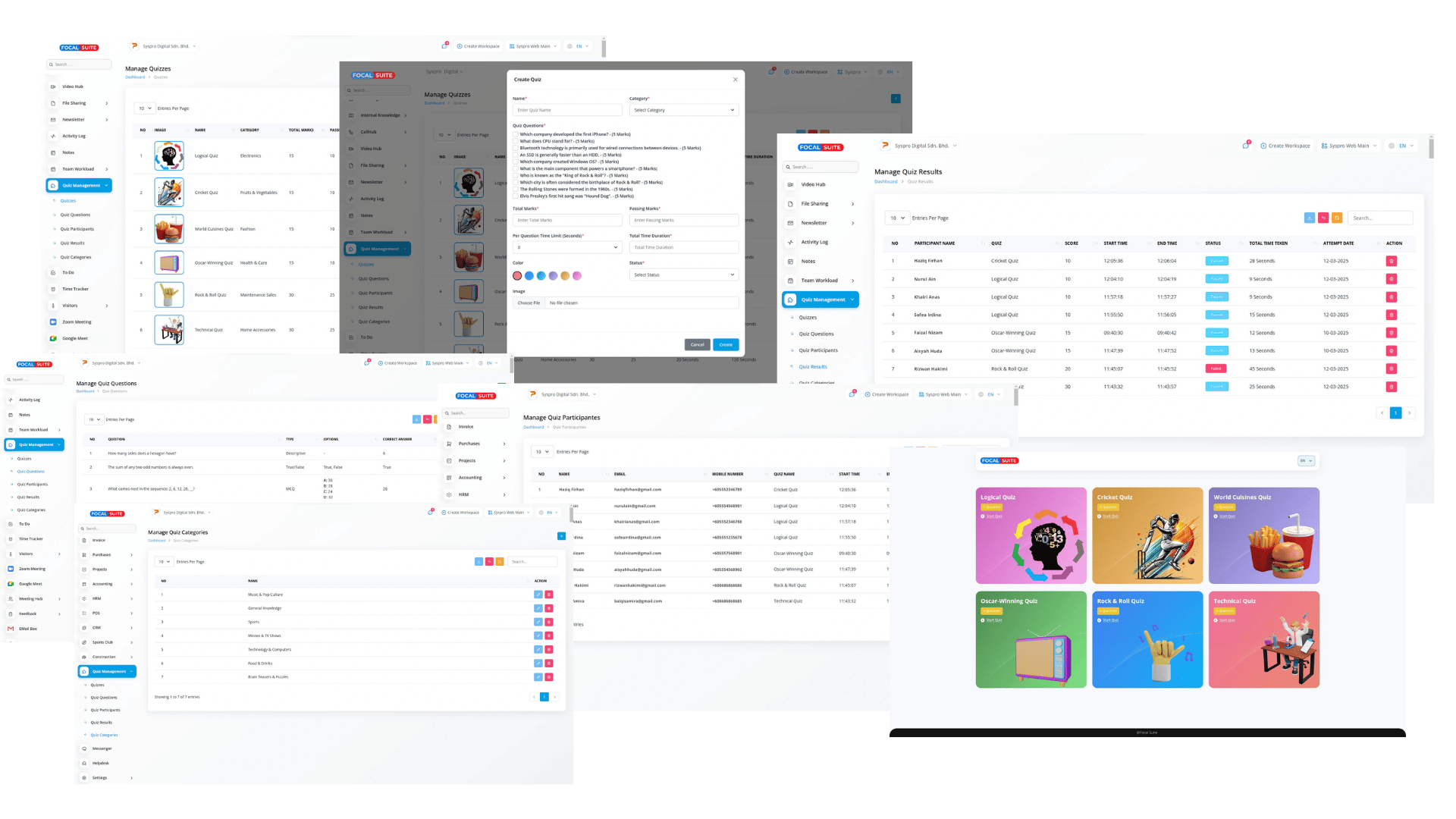
Key Features of Focal Suite Quiz Management
Automate quiz creation and evaluation with structured controls, flexible settings, and real-time reports for educators, trainers, and organizations.
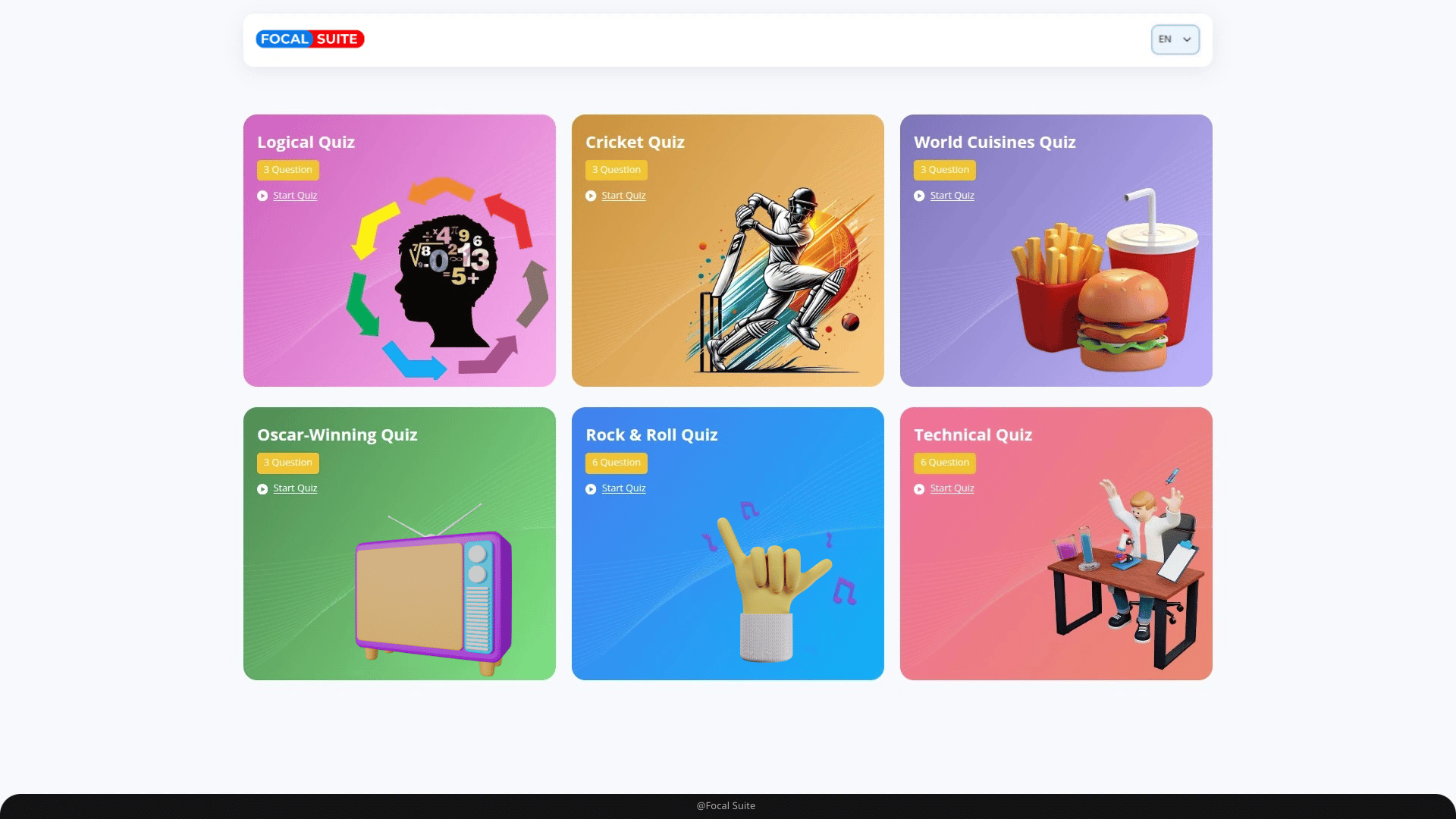
Structured Quiz Builder
Build quizzes with flexible formats, time controls, and customizable settings.
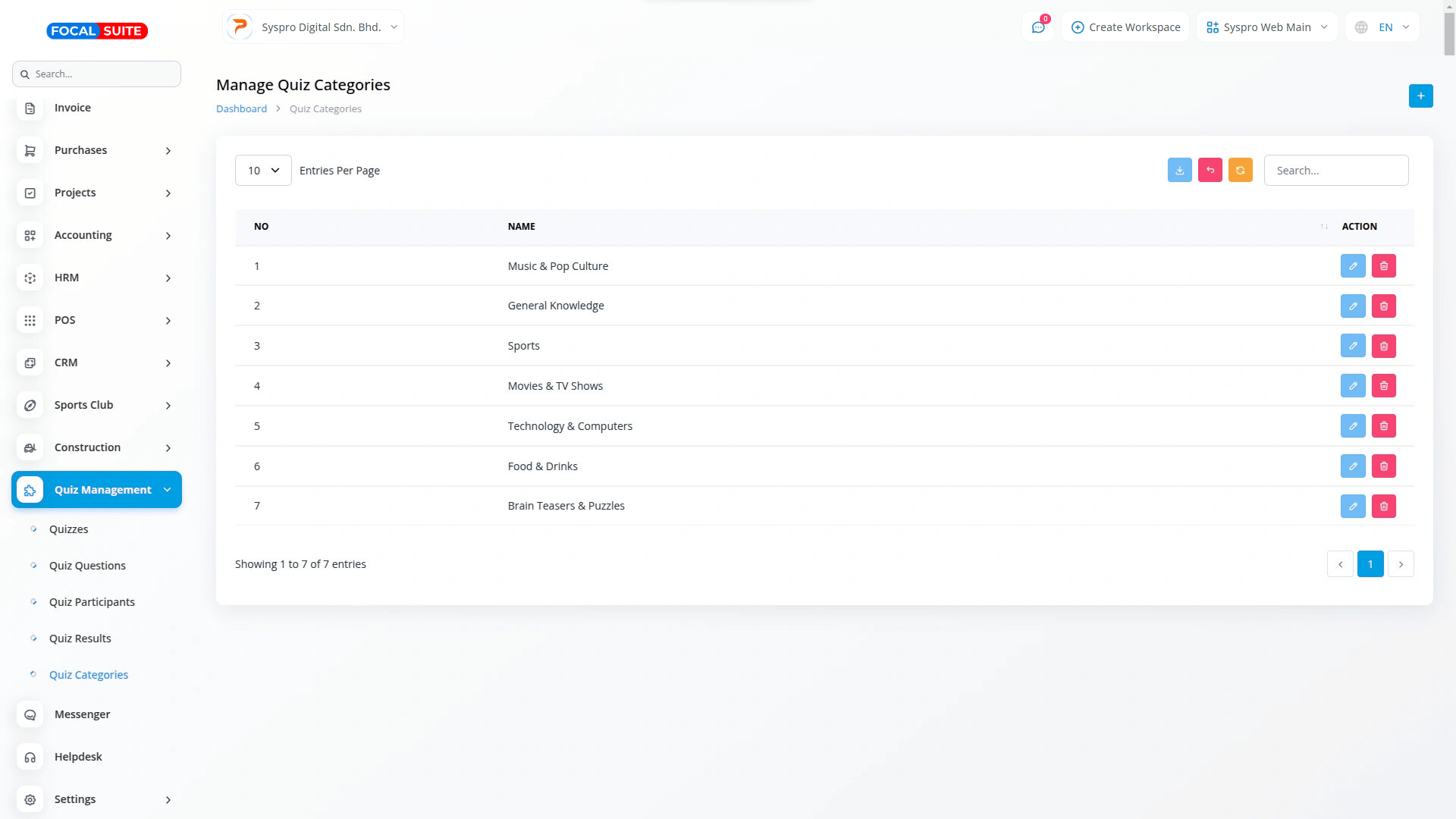
Category-Wise Organization
Group quizzes by categories for streamlined sorting and retrieval.
Flexible Question Types
Add multiple-choice, true/false, or short-answer formats for engaging assessments.
Time-Based Settings
Define total and per-question limits for precise control.
Auto Result Evaluation
Scores are calculated instantly with no manual grading.
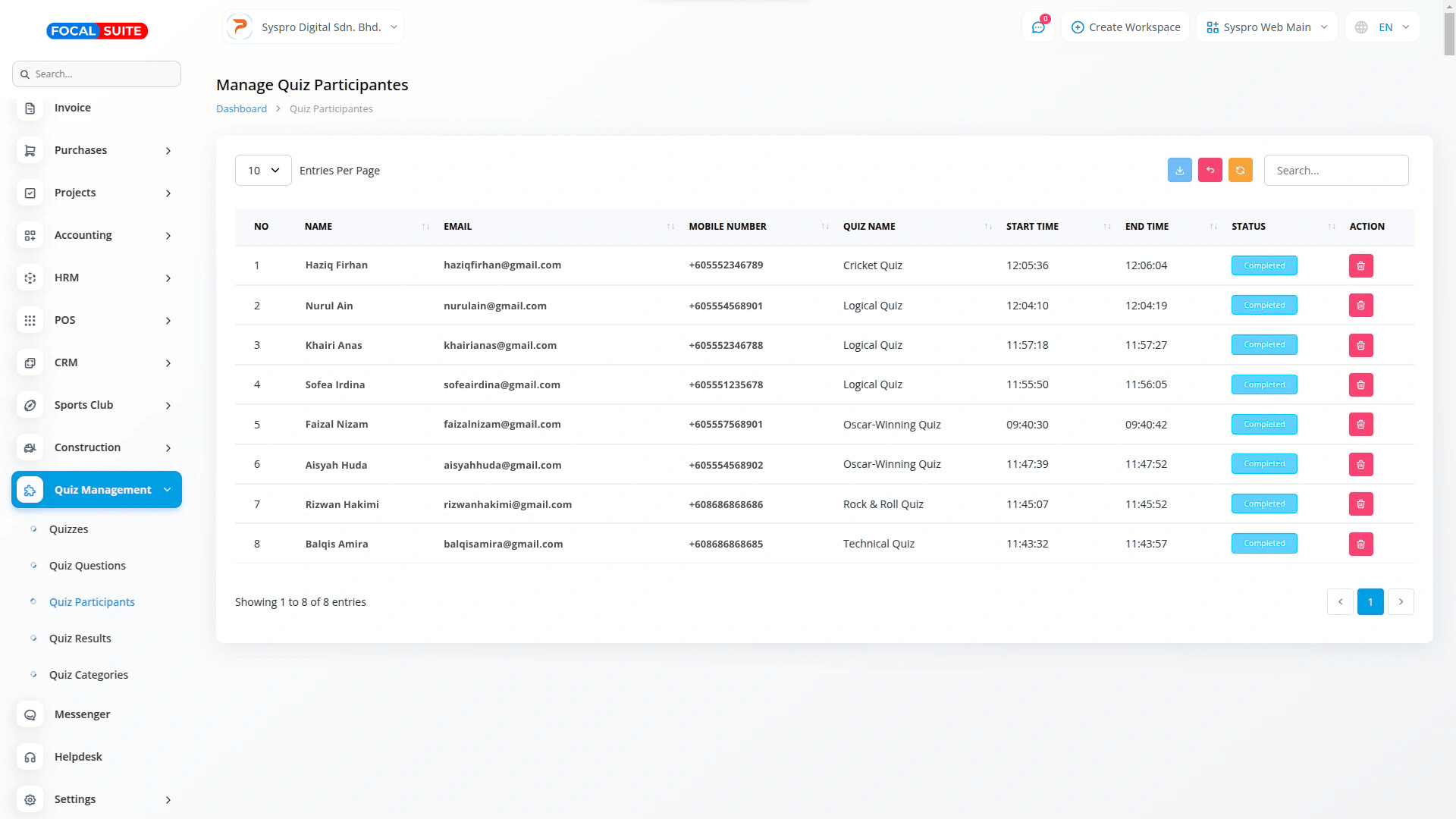
Detailed Participant Logs
Track participant names, contact info, and quiz attempts.
Performance Analytics
Access reports with scores, attempt times, and progress data.
Multi-User Workspace
Manage separate workspaces for institutions, businesses, or SaaS providers.
Instant Result Feedback
Participants receive immediate results upon completion.
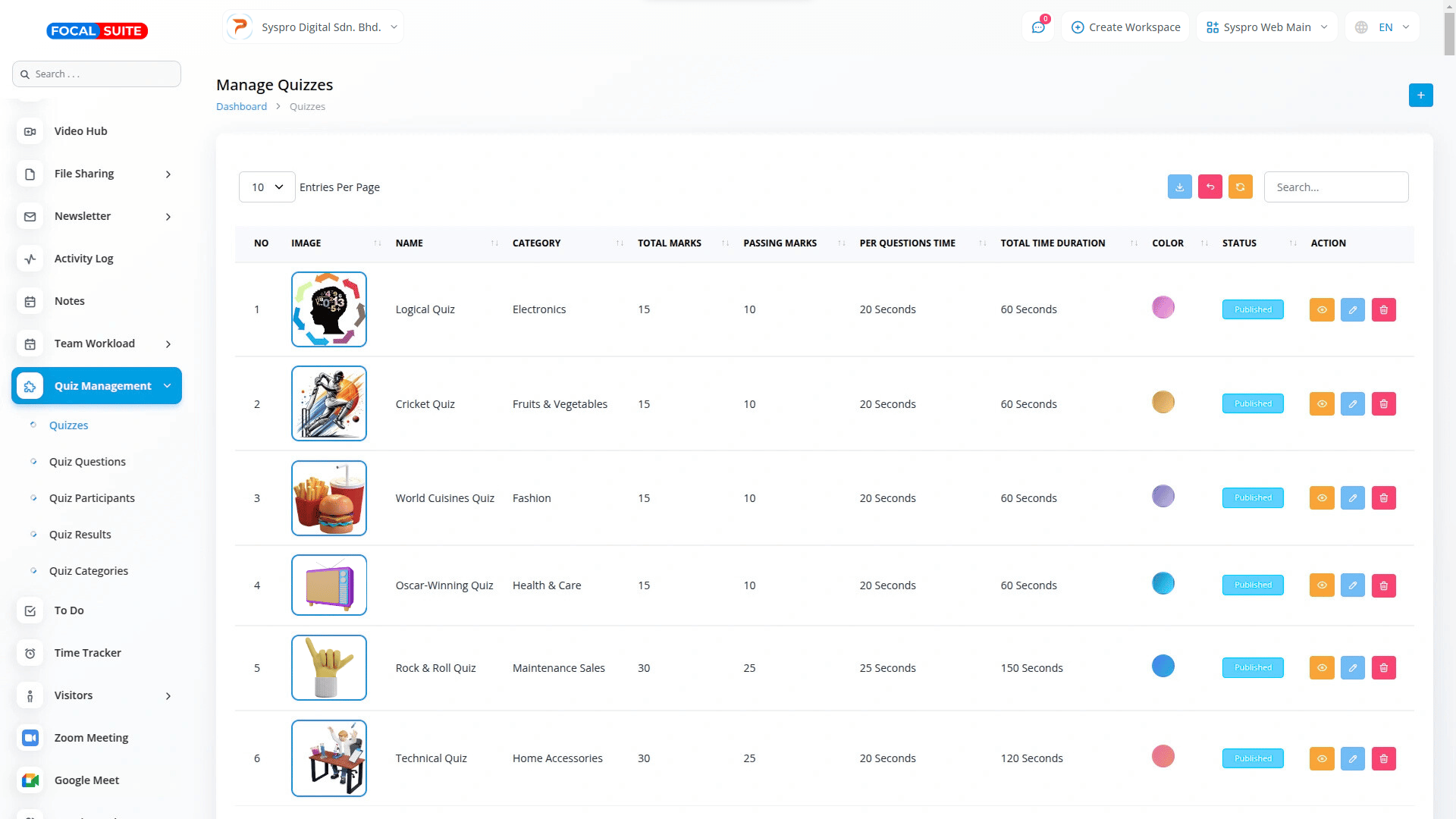
Efficient Quiz Management
Streamline quiz creation, monitoring, and control with full authority over timing, scoring, and participants.
Create & Manage Flexibly
Customize quizzes to suit exams, training, or assessments.
Instant Enable/Disable
Activate or deactivate quizzes anytime from a central dashboard.
Organized Access
Keep quizzes structured and easily editable in one place.
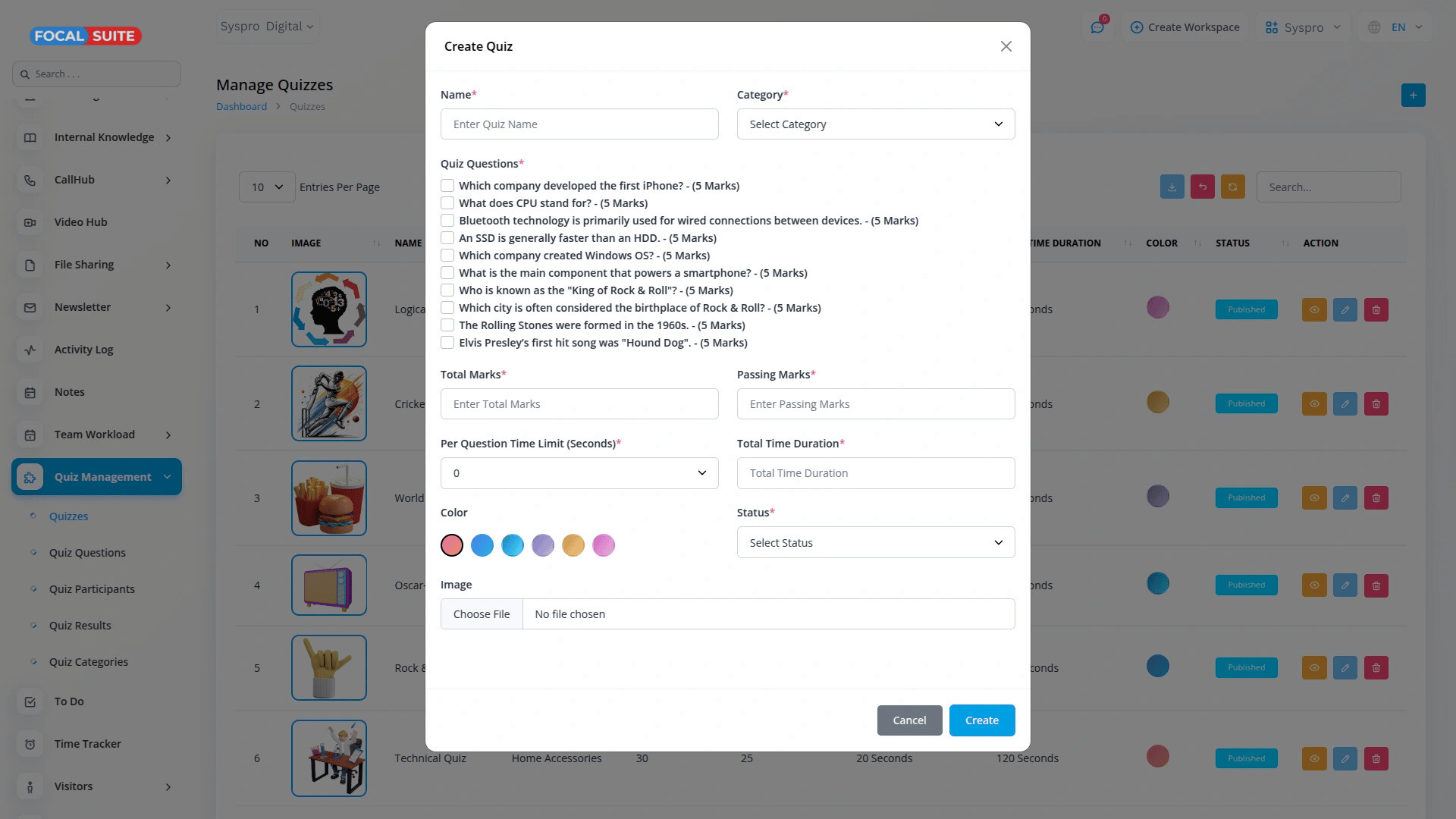
Comprehensive Quiz Creation
Design quizzes tailored to training, exams, or onboarding needs with advanced customization.
Time & Marks Control
Define total marks, passing scores, and per-question limits.
Custom Names & Categories
Use categories and tags for better organization.
Layout & Grading Control
Decide how quizzes are displayed, graded, and scored.
Organized Content Management
Keep quizzes and questions centralized, categorized, and easy to reuse.
Category-Based Grouping
Sort quizzes under categories for smoother navigation.
Central Question Storage
Store questions once, reuse across multiple quizzes.
Linked Questions
Connect stored questions directly without re-adding.
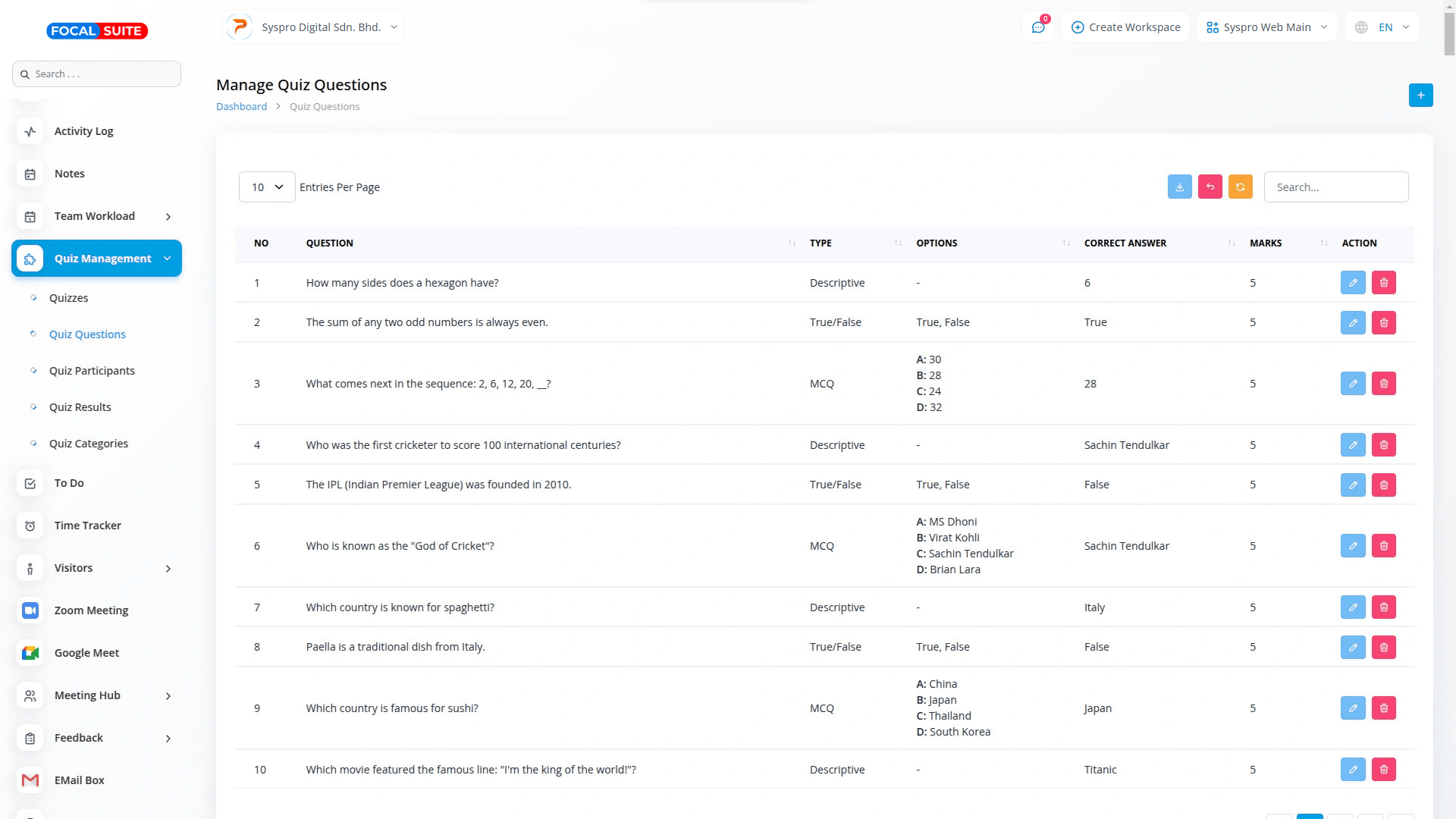
Dynamic Question Types
Offer diverse formats to make assessments engaging and effective.
Varied Formats
Use MCQs, true/false, or short answers as needed.
Answer & Marks Setup
Assign correct answers and marks quickly.
Flexible MCQs
Add multiple options for detailed assessments.
Real-Time Participant Tracking
Track participant activity with full transparency and accountability.
Detailed Records
Store names, emails, and contact numbers.
Time Logging
Record quiz start and end times precisely.
Progress Monitoring
Review completion history and engagement.
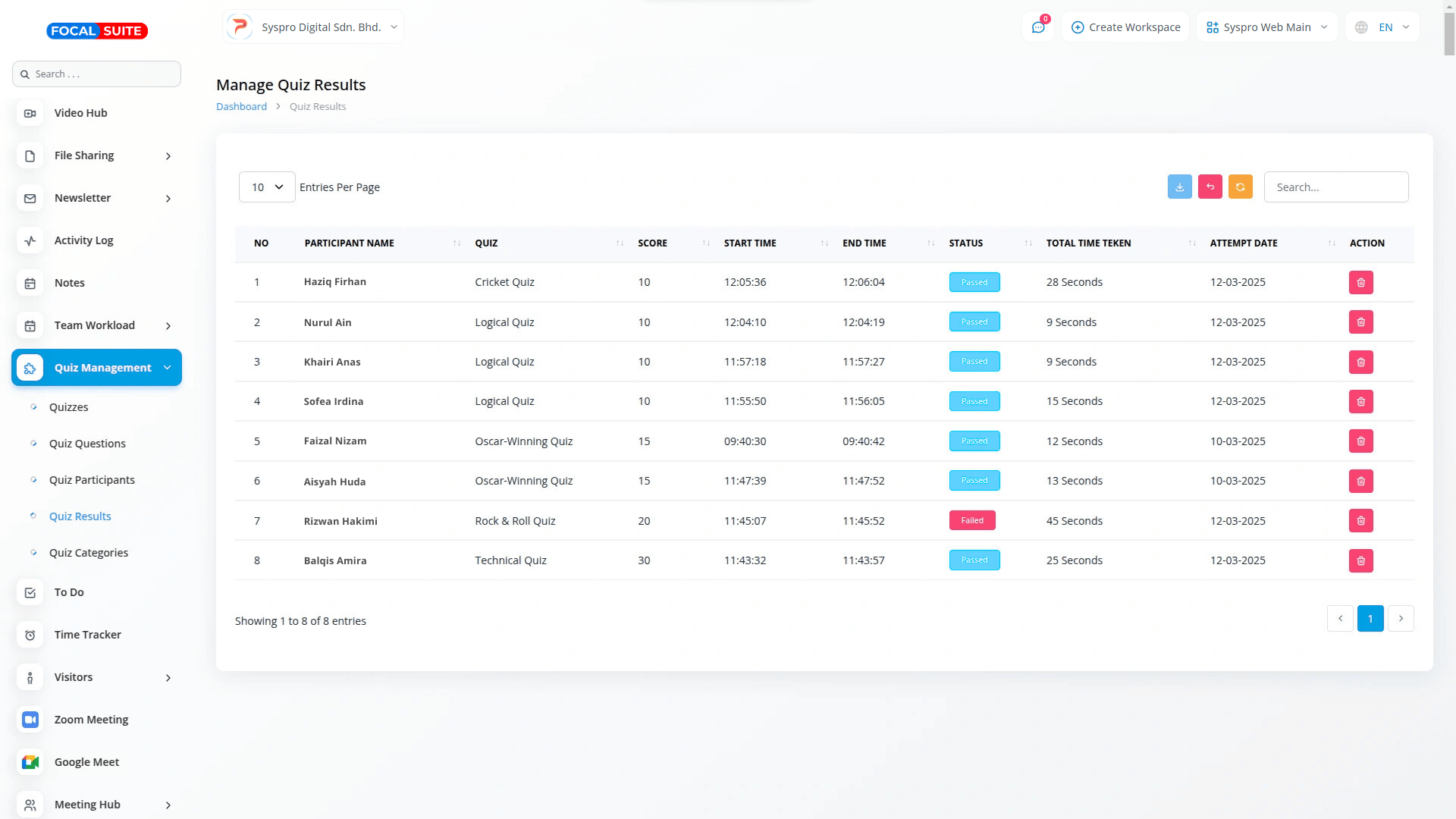
Instant Results & Reporting
Provide immediate scoring and generate detailed reports to track performance.
Auto Scoring
Results are calculated instantly upon submission.
Time Analysis
Track how long participants take per quiz.
Performance Reports
View detailed attempt data and identify weak areas.
Multi-Workspace Support
Perfect for institutions and SaaS providers with multiple teams or clients.
Independent Workspaces
Each workspace manages quizzes and participants separately.
User-Specific Control
Ensure users only access their own data.
Secure & Organized
Keep data structured, private, and well-managed.