Set Up Azure Authentication for Outlook
Easily connect your Outlook account securely through Azure for seamless email access.
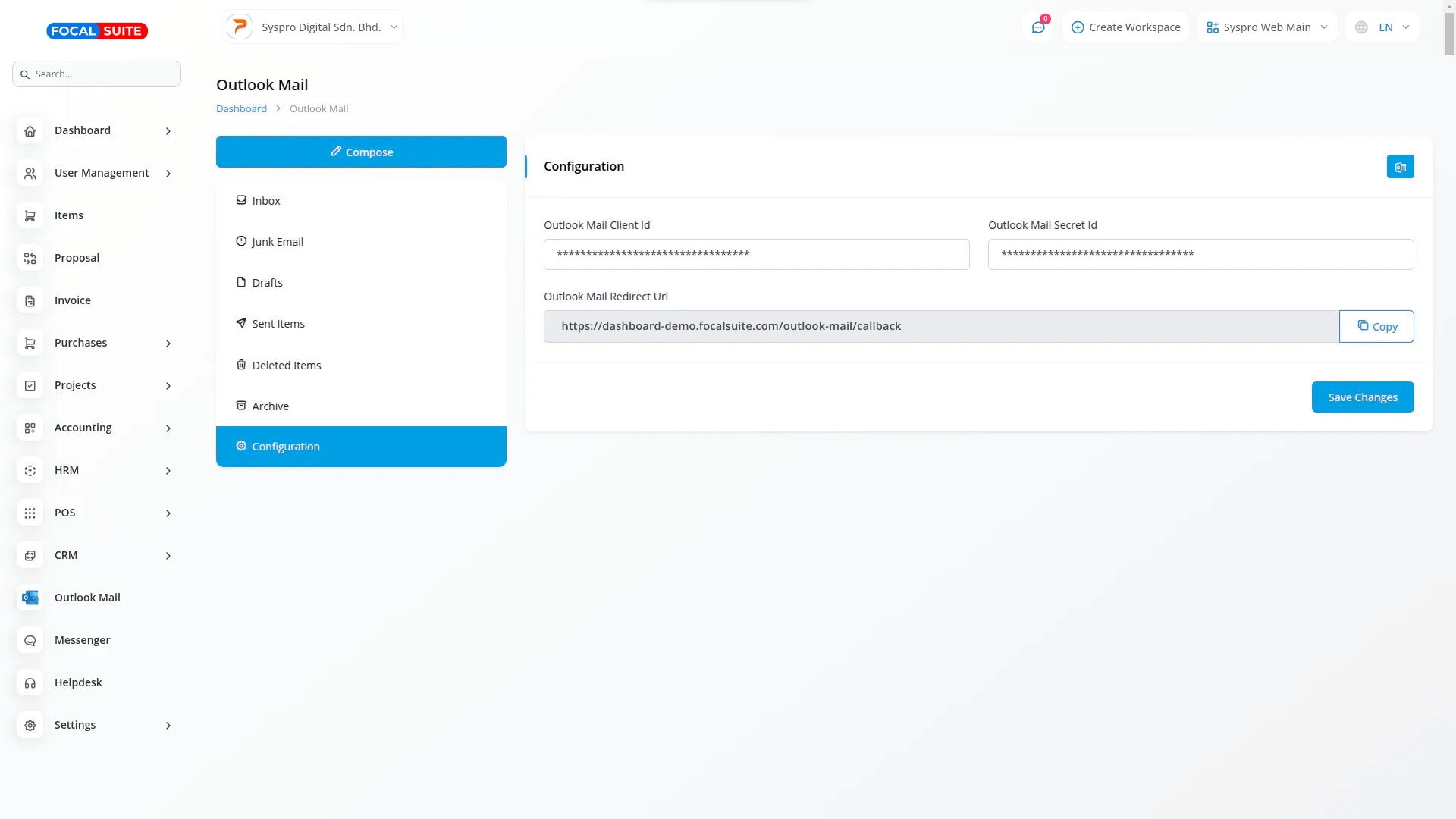
Secure Credentials Input
Enter your Outlook Client ID and Secret ID from Azure to establish authentication.
Redirect URL Configuration
Ensure the redirect URL in Azure is properly set to generate tokens correctly.
Instant Sync
Generate the token to access your emails immediately after setup.
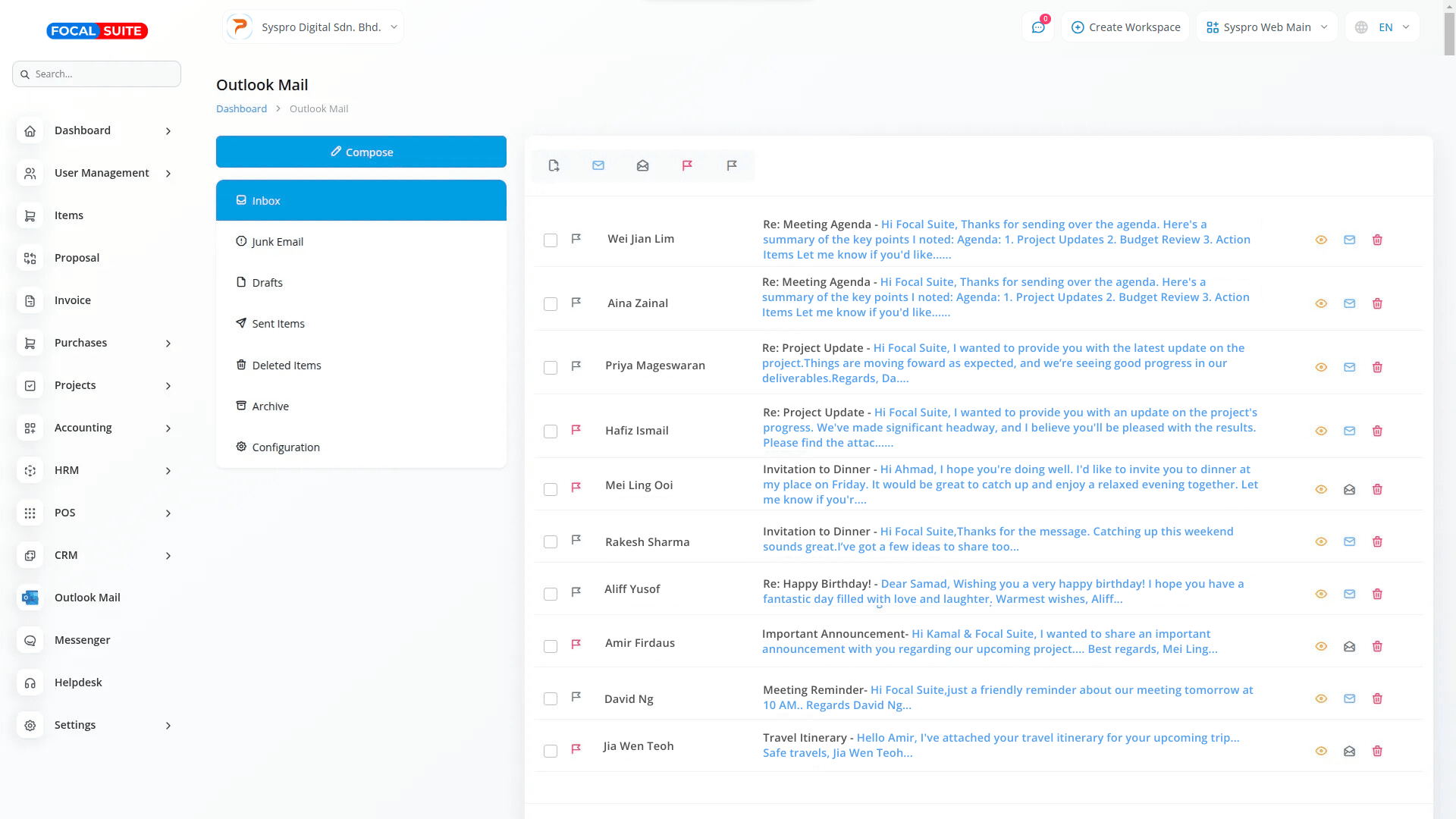
Seamless Multi-Folder Email Access
Manage all essential folders from one interface while maintaining original structure and organization.
Full Folder Support
Access Inbox, Junk, Drafts, Sent Items, Deleted Items, and Archive with full synchronization.
Email Actions
Mark read/unread, flag/unflag, move, or delete emails directly within the dashboard.
Easy Navigation
Switch between folders quickly to handle all emails efficiently.
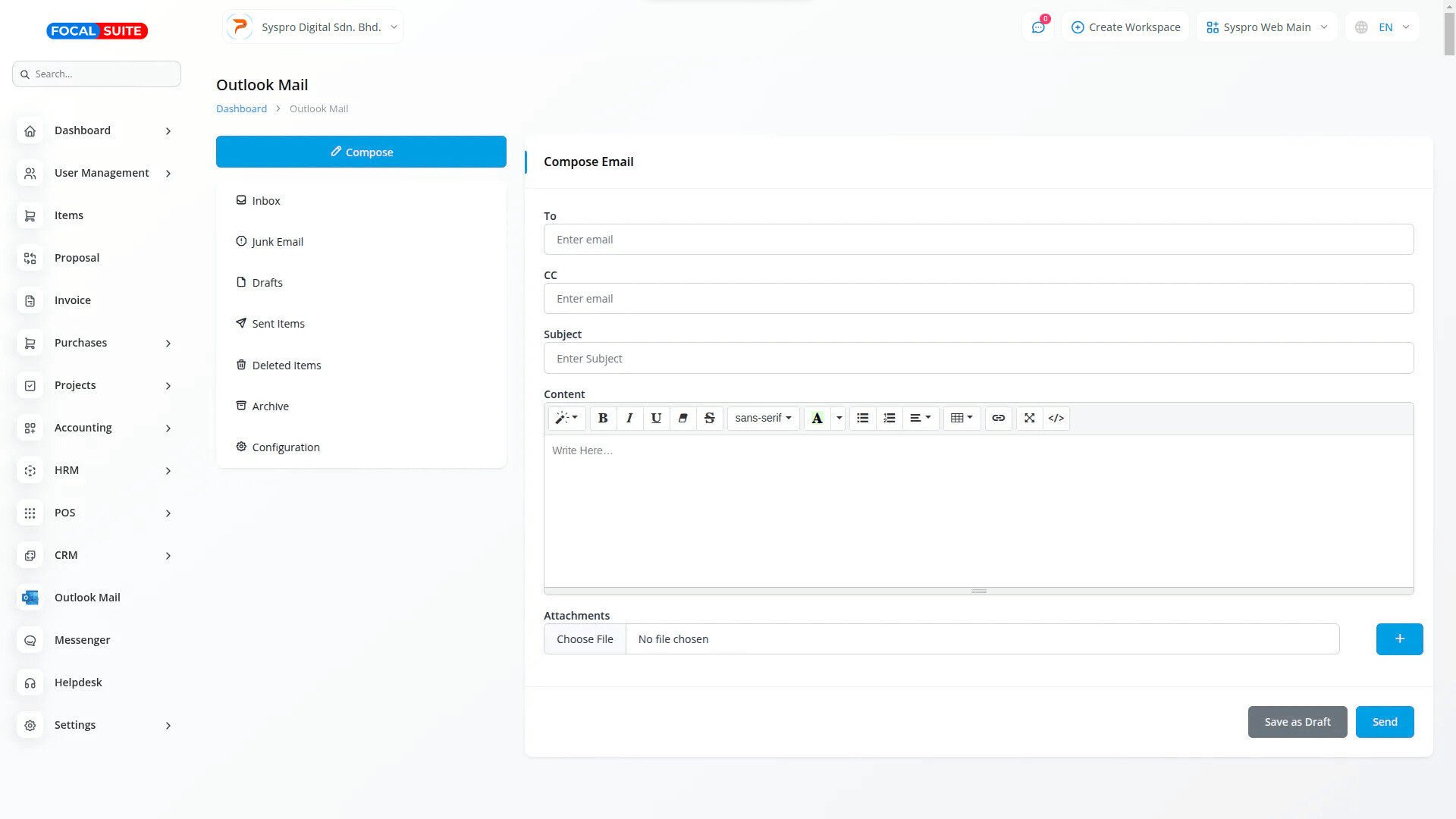
Email Composition with HTML Support
Compose professional emails with rich formatting and multi-file attachments.
HTML Editor
Format messages with advanced styling while ensuring compatibility across email clients.
Multiple Attachments
Upload, attach, and manage files easily for each email.
Draft Management
Edit, save, and update draft messages for organized communication.
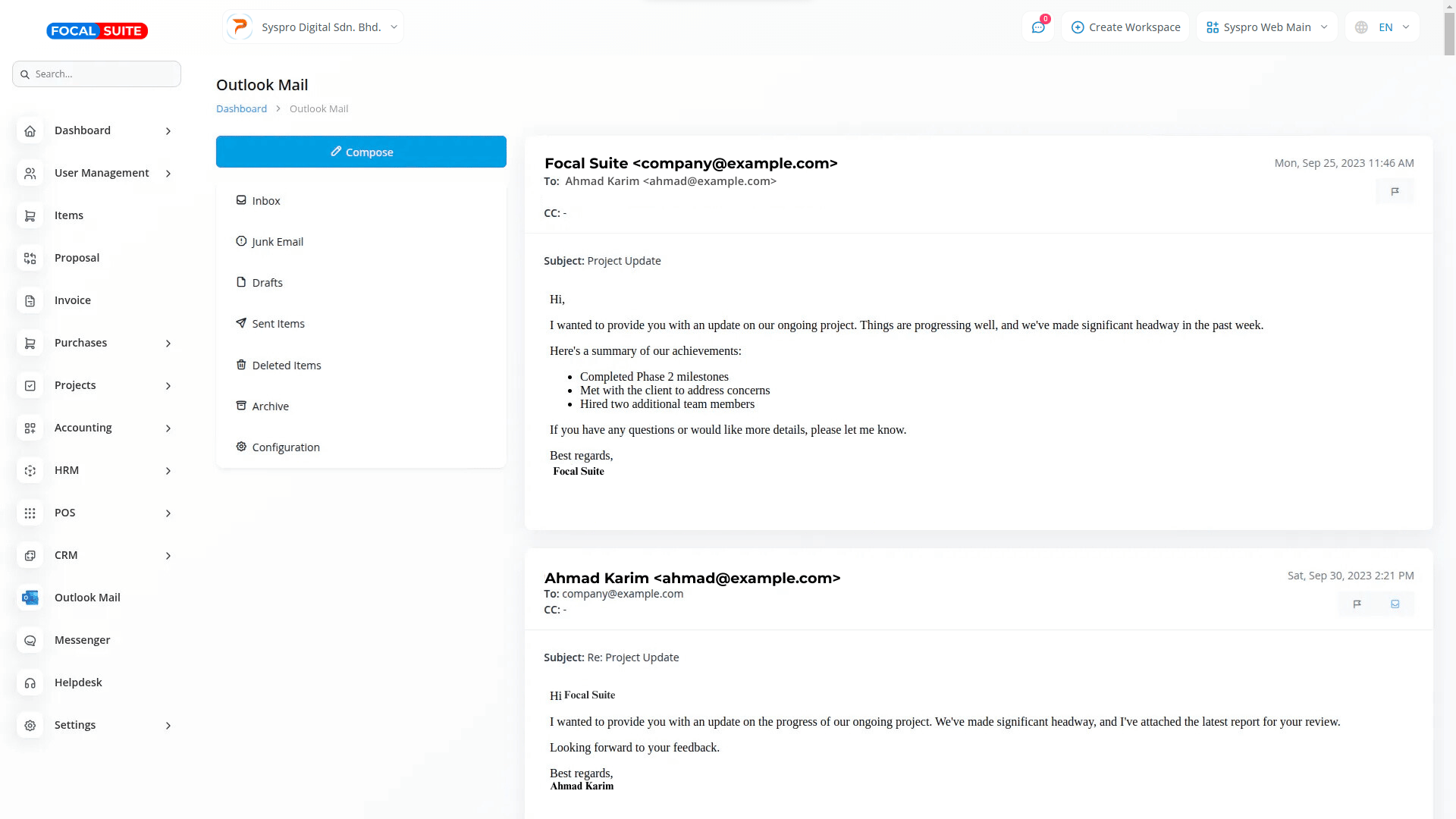
Conversation Management
Track entire email threads and respond efficiently with contextual awareness.
Threaded Conversations
View all messages in a conversation in chronological order for clarity.
Message Actions
Flag, move, or manage individual messages within threads seamlessly.
Quick Reply & Reply-All
Respond promptly while maintaining conversation context, including group emails.
Number of Workspace :
1
Number Staff :
5
Included :
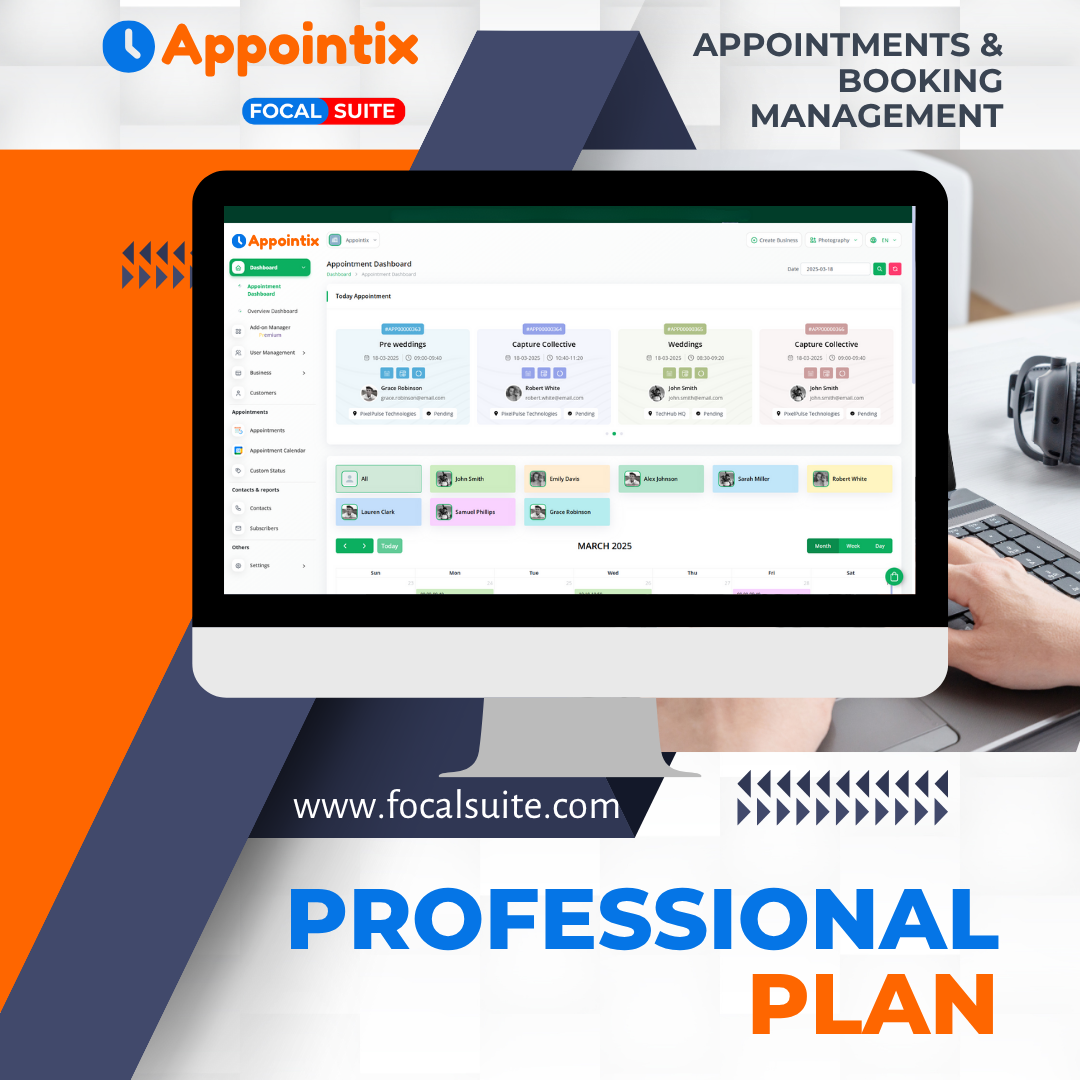
Includes invoicing, proposals, user management with role-based access, item management with stock control, purchase orders, and an integrated messenger platform for seamless communication.
Product Information :
https://focalsuite.com/products/features/communication/outlook-mail/